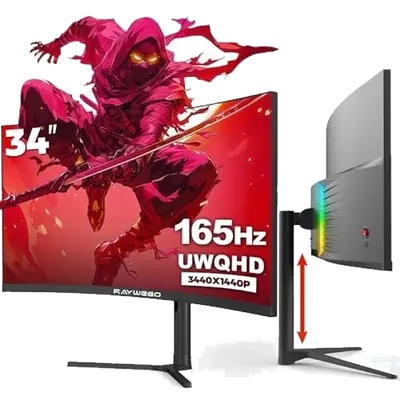
Q340B45 34" Ultrawide Ergo RGB (Black)
Height-adjustable stand and RGB backlight, 8 pounds
- 2.4 × 31.7 in
- 8 lb
Raywego makes computer monitors in 24-inch, 27-inch and 34-inch sizes, and this page covers 11 models. They differ mainly in screen size, curved or flat panel, refresh rate from 100Hz to 200Hz, and whether the finish is black or pink.
The 24-inch and 27-inch models use 1920×1080 Full HD panels, while the three 34-inch ultrawides run 3440×1440 in a 21:9 shape. Curved models list 1500R or 1800R where a figure is given. The ultrawides weigh 8 to 14 pounds, the smaller screens 5 to 8 pounds.
Three questions settle most choices: how much desk space you have, which cable you will connect, and whether you want a curve. Refresh rates depend on the port. The Q340B45 maker lists 165Hz over DisplayPort and 100Hz over HDMI 2.0, and it is the model listed with a height-adjustable stand.
Independent guide. Not the official Raywego site.
All three are 34-inch curved panels at 3440×1440 with a 21:9 shape, a 1500R curve and up to 165Hz. Each lists PIP and PBP, which show two input sources on one screen at the same time.
The Q340B45 adds a height-adjustable stand and an RGB backlight. The Q34P4D-1 comes in pink. The Q34B4D lists two HDMI and two DisplayPort 1.4 inputs and ships with a DisplayPort cable, and at 14 pounds it is much heavier than the other two.
Height-adjustable stand and RGB backlight, 8 pounds
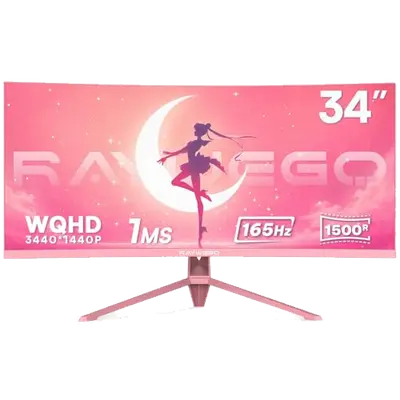
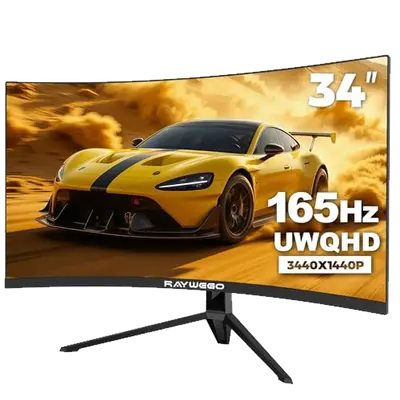
Two DP 1.4 inputs, DisplayPort cable included, 14 pounds
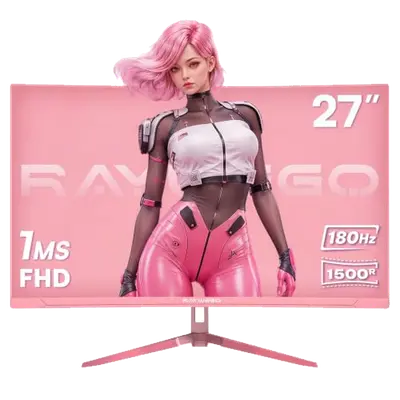
These three put a curved 1920×1080 screen at 27 inches and weigh 7.5 or 8 pounds. They suit a desk that needs a larger screen for work, study and casual play, and two of them come in pink.
The Q27P1B runs at 100Hz with a 1500R curve and HDMI plus DisplayPort. The Q270B13 offers 120Hz, a 1800R curve and HDMI plus VGA. The Q270P18 is the fastest, with 180Hz, 1ms MPRT and FreeSync.
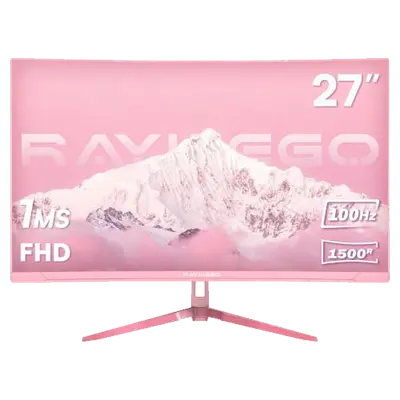
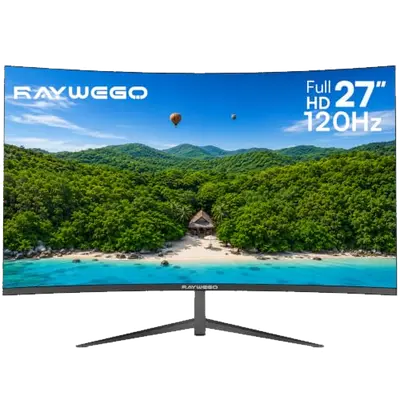
120Hz with a 1800R curve and VGA input for older PCs
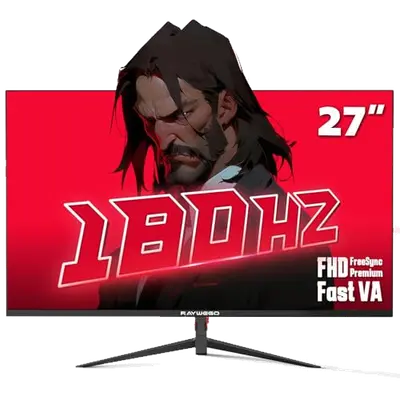
Both are flat 27-inch Full HD VA panels with a 4000:1 contrast ratio, a three-sided borderless frame and a 100×100mm VESA pattern. That makes them workable for two screens side by side or for wall mounting.
The Z270B16 is built for games, with 180Hz, adaptive sync, game modes and HDMI, DisplayPort and USB. The Z270B13 runs at 100Hz and has built-in speakers plus a low blue light mode, which suits office and media use.
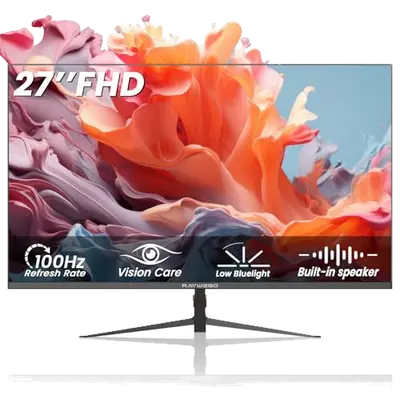
100Hz with built-in speakers and low blue light mode
The three 24-inch models share a 1920×1080 screen, 1ms response figures and FreeSync or adaptive sync. They take the least desk space of the range, and all weigh between 5 and 7.5 pounds.
The Q24B10 is a curved 120Hz model with HDMI and VGA at 5 pounds. The Z240B16 is flat at 180Hz with a three-sided borderless frame. The Q24B16 is curved at 200Hz, includes a DisplayPort cable and has no speakers.
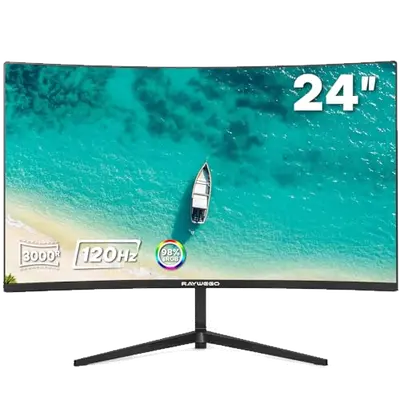
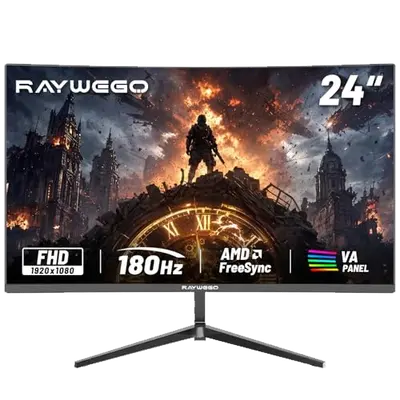
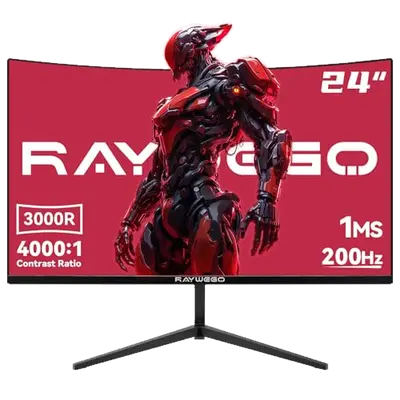
Curved, 200Hz over DisplayPort, cable included, no speakers
More Raywego products and today's prices
See all Raywego products on AmazonAs an Amazon Associate I earn from qualifying purchases.
Raywego sells computer monitors in 24-inch, 27-inch and 34-inch sizes, with 11 models on this page. The 24-inch and 27-inch screens are 1920×1080, and the 34-inch ultrawides are 3440×1440 at up to 165Hz. The groups follow screen size and shape: ultrawides, curved 27-inch, flat 27-inch and 24-inch. Within each group the models differ in refresh rate, curve, ports and finish, with black and pink options. When choosing, start with your desk width, then check which cable reaches the peak refresh rate, since some figures apply only to DisplayPort. Look at the stand and VESA support if you plan to mount the screen, and check whether you need speakers, VGA or a DisplayPort cable in the box.